Let Your AI Agents Find You Times to Meet

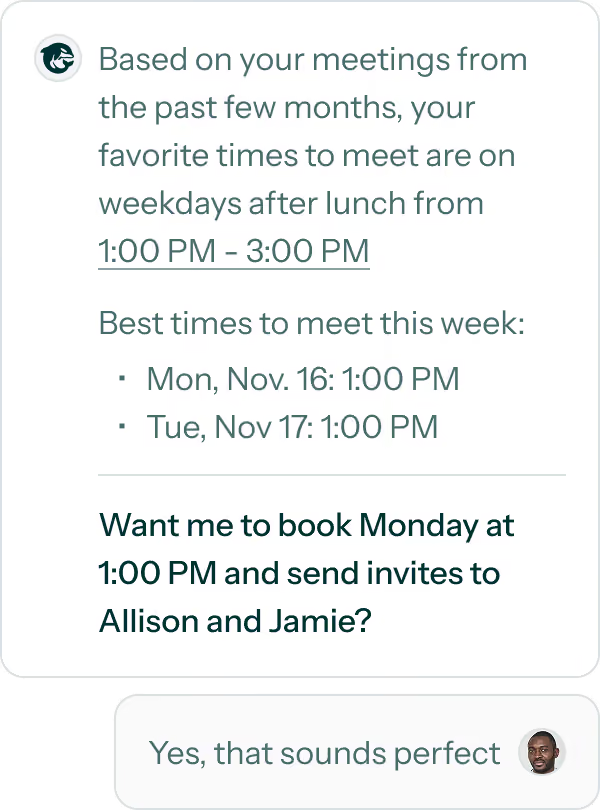
Add the OrcaCal MCP Server

Sign Into Your Account
Finish by Granting Access
Your AI Agents, Powered by OrcaCal
Use OrcaCal With Your Agents
Your agent can use OrcaCal to answer scheduling questions and act on them.

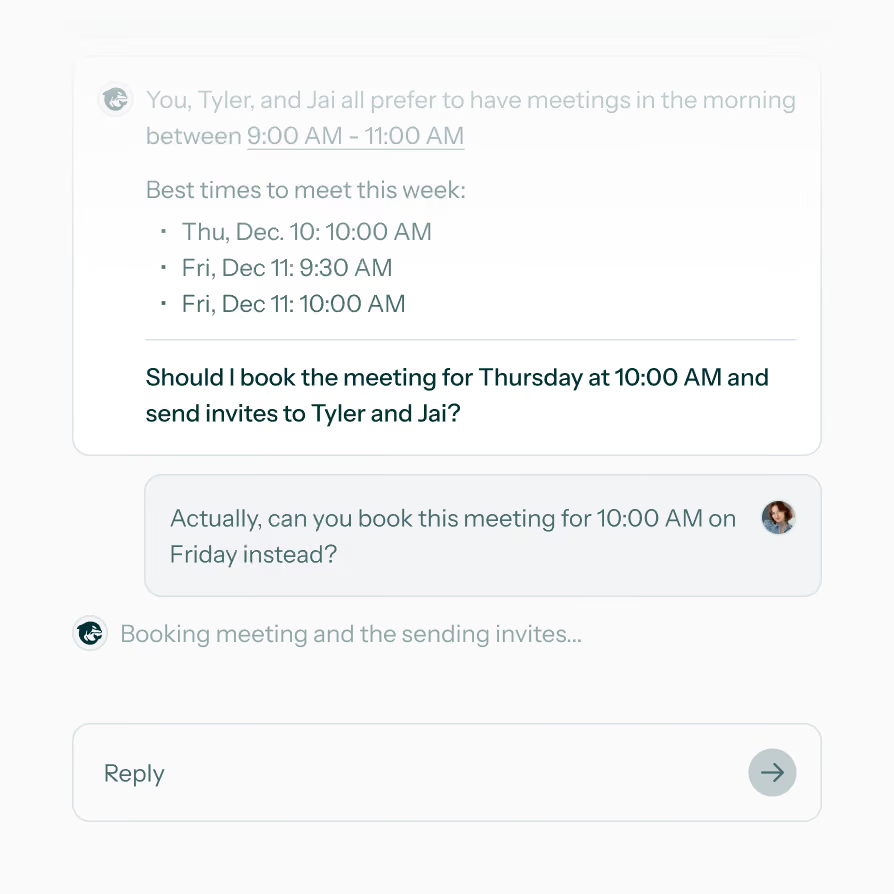
Cross-Org Group Scheduling
Using OrcaCal, your agent can get mutual availability with any of your contacts, no matter what calendar provider they use.
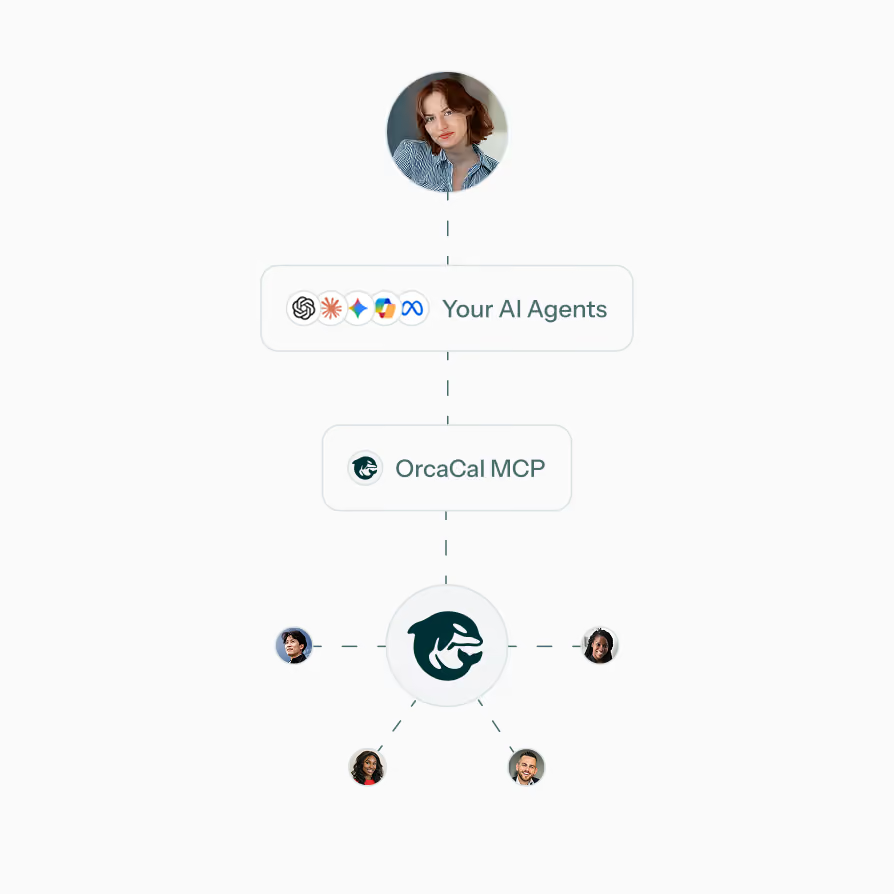
With OrcaCal MCP, You Maintain Complete Control Over Your Data
 You Approve Each AI AgentNothing connects until you sign in and autorize it.
- Limit How Much It Can DoAllow view only access, or view and edit access.
- Disconnect Whenever You WantRemove an agent from your account at any point.
- Your Events Stay Private.Agents see a free/busy schedule for you and your contacts, not event details.
MCP Server Included on Every Plan
Attendee
Organizer
Enterprise
Attendee
Organizer
Enterprise
MCP Server FAQ
We have first-class support for Claude and ChatGPT, but any other agent that can use a custom MCP server will work.
What your agent can do depends on your plan. If you have a paid plan, you can view all data from your account as well as create and delete meetings, create and delete contact groups, invite contacts to share their availability with you, create, update and delete scheduler links, and customize your meeting preferences. If you are on a free plan, you are only able to view the data in your account.
OrcaCal uses a free/busy schedule to calculate availability, so agents see when your calender events start and stop, but sensative or private data is never shared.
You can remove an authenticated agent from your account from your profile page at any point.
Let Your AI Agents Handle Group Scheduling