


Group Scheduling for B2B Relationships


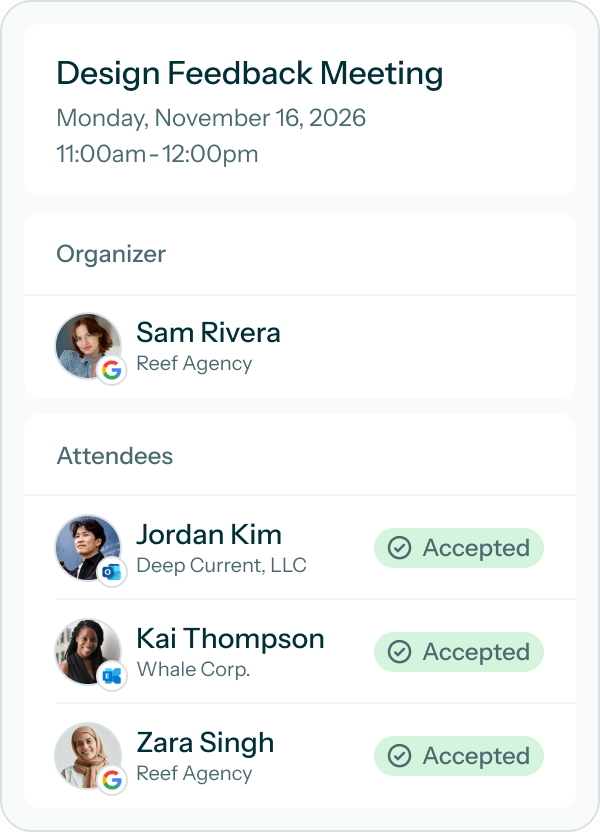
Connect Your Calendars

Invite All of Your Contacts
Find Shared Availability
The Group Scheduling Tool for Consultants, Agencies, and Teams
Everyone’s Availability in One Place
Cross-Organization & Cross-Provider
For Consultants, Agencies, & Teams
Saving Enough Time to Say Nice Things


Instantly Find the Best Time to Meet
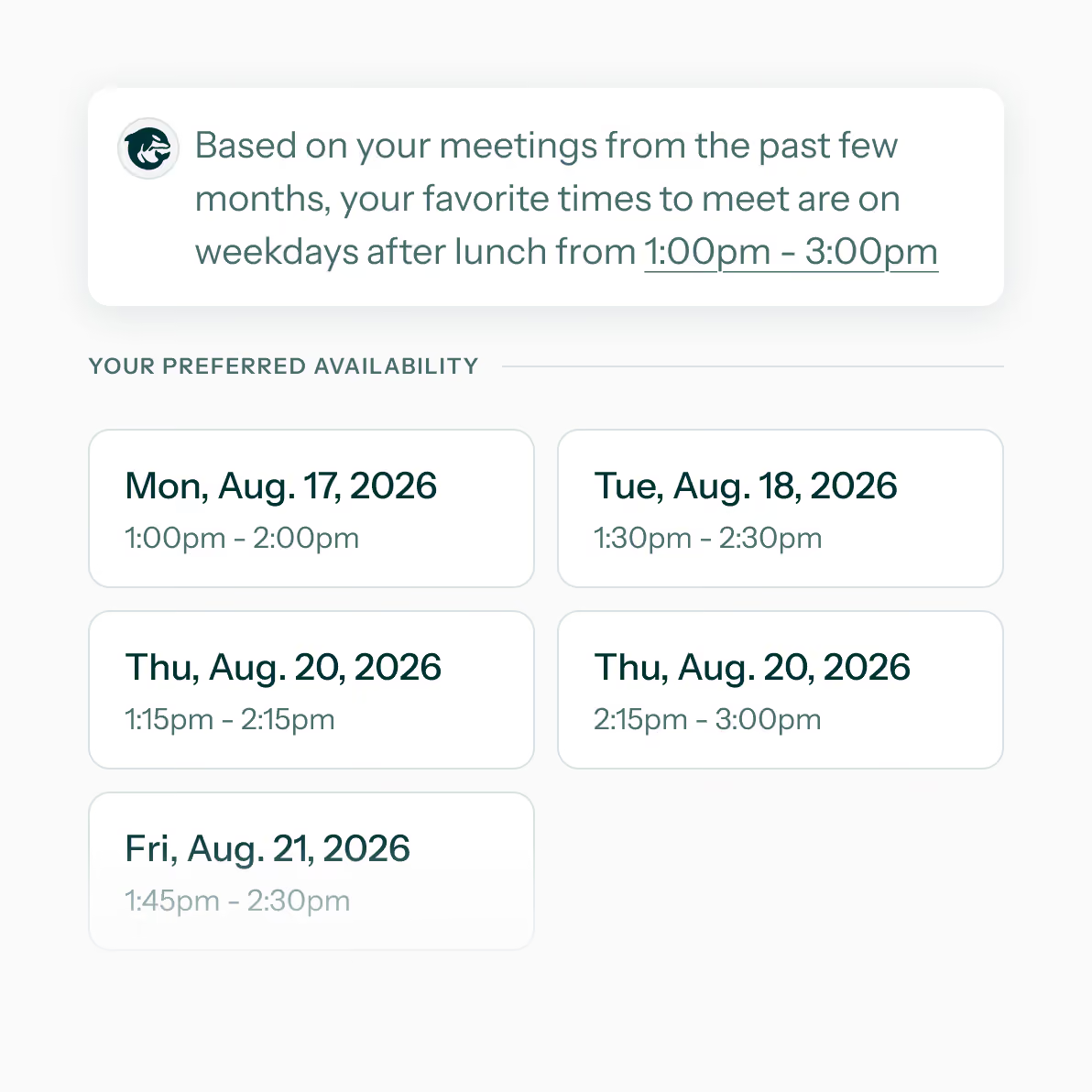
Skip the scroll through every open slot. OrcaCal learns when you and your contacts like to meet, then surfaces the times that work best for everyone.

Upgrade Your Group Scheduling
Attendee
Organizer
Enterprise
Attendee
Organizer
Enterprise
Frequently Asked Questions
We support calendars from Google, Office365, Outlook, Hotmail, and Live accounts.
Yes, someone who wants to share their availability must sign up for an OracCal account. However, the account will be free unless they choose to upgrade to a paid plan.
Yes. In fact, OrcaCal is designed to be used by teams and groups of people. However, you can still book one-on-one or solo meetings in OrcaCal.
If you’d like invite contacts, view shared availability, and book meetings you’ll need a paid account. The contacts you invite can create free accounts to share their availability with the option to upgrade to a paid account if they ever need the organizer features.
Scheduling links from companies like Calendly, SavvyCal, or Cal.com are not designed to work with long-term relationships. OrcaCal focuses on group scheduling by giving organizers the ability to invite a contact once, then view their availability and book meetings with them until their connection is stopped.