OrcaCal vs. Calendly
The Calendly alternative for B2B relationships.
Calendly is great for strangers. OrcaCal is built for the people who have ongoing relationships with people outside their organization.

Calendly and OrcaCal Differences
Calendly at a Glance
Scheduling Links Made for One-Time Bookings
Calendly is built for one-time bookings where your meeting guest selects a date and time from your availability without considering their own calendar.

Guests cannot view mutual availability while booking
Guests can book with you, but you can't book with your guests
Every meeting request requires another link to be sent

OrcaCal at a Glance
Scheduling for Ongoing B2B Relationships
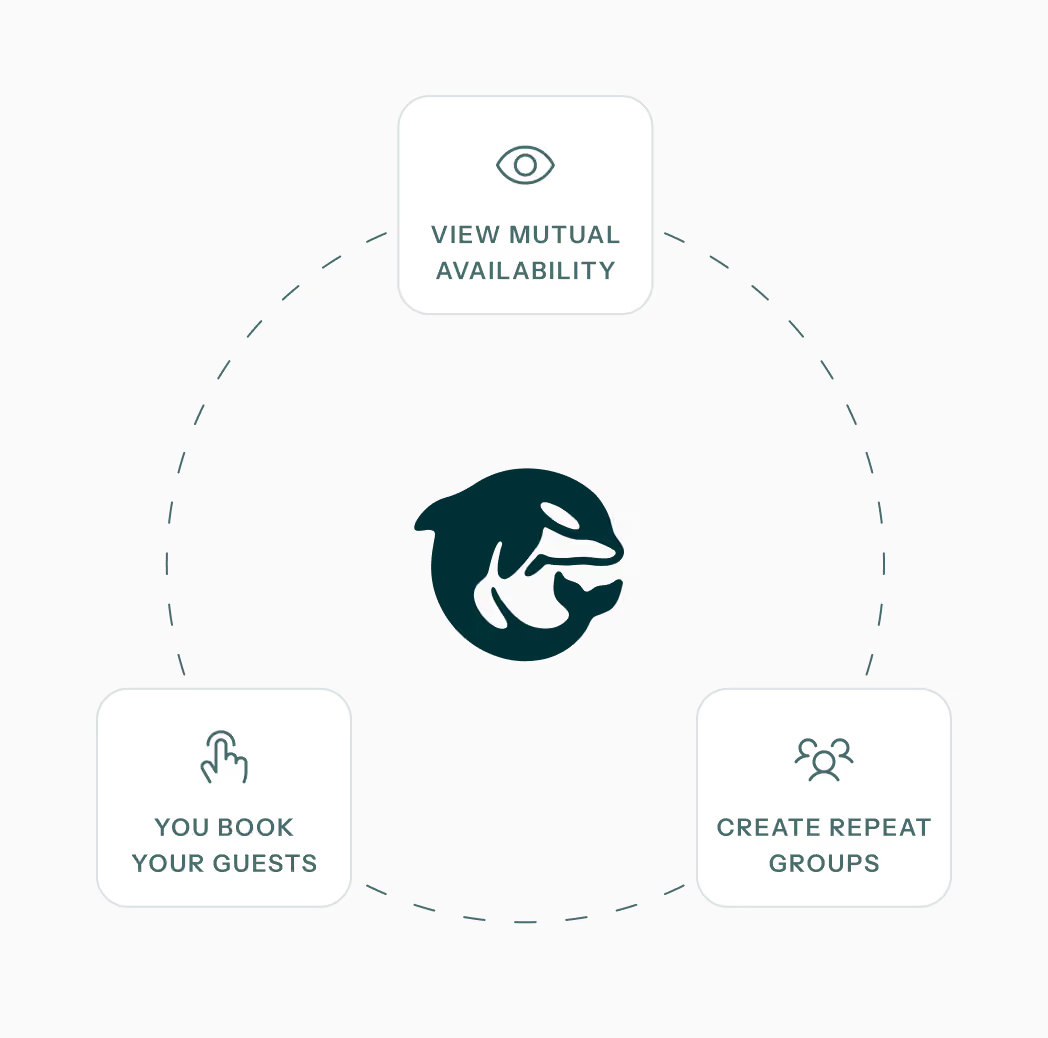
OrcaCal is built for ongoing B2B relationships. Connect with a contact once and then view mutual availability and book anytime.

Browse mutual availability between you and any of your contacts
Booking meetings from the mutual availability calendar or with a link
Create groups to quickly book with the same people again and again
Compare Calendly and OrcaCal
- Mutual Availability View
- Preferred Meeting Slots
- Payments Integration
- Book Without a Link
- Scheduling Links
Calendly

- False

- False
- True

- False
- True
OrcaCal

- True
- True
- False
- True
- True
Which Tool is Best for You?
Use Calendly when...
You need strangers to book one-time meetings that require a payment or when you doesn’t have an on-going relationship.
Use OrcaCal when...
You schedule repeatedly with the same people or teams and want to avoid email or slack threads figuring everyone’s availability.
Switch from Calendly to OrcaCal
Switching to OrcaCal from Calendly is straight-forward and easy.
- Sign-up and connect as many calendars as you need.
- Invite your regular attendees to become a OrcaCal contact.
- Replace your Calendly scheduling links with your new OrcaCal ones.
- View shared availability for your OrcaCal contacts and start effortlessly booking meetings.
Ready to Stop Sending Links?
Try OrcaCal Free for 7 Days
Connect your contacts just once and then view mutual availability and book meetings with them. No more endless email threads just to plan one group meeting.
Cancel anytime
Google & Microsoft calendar compatible
Unlimited calendars, contacts, & groups