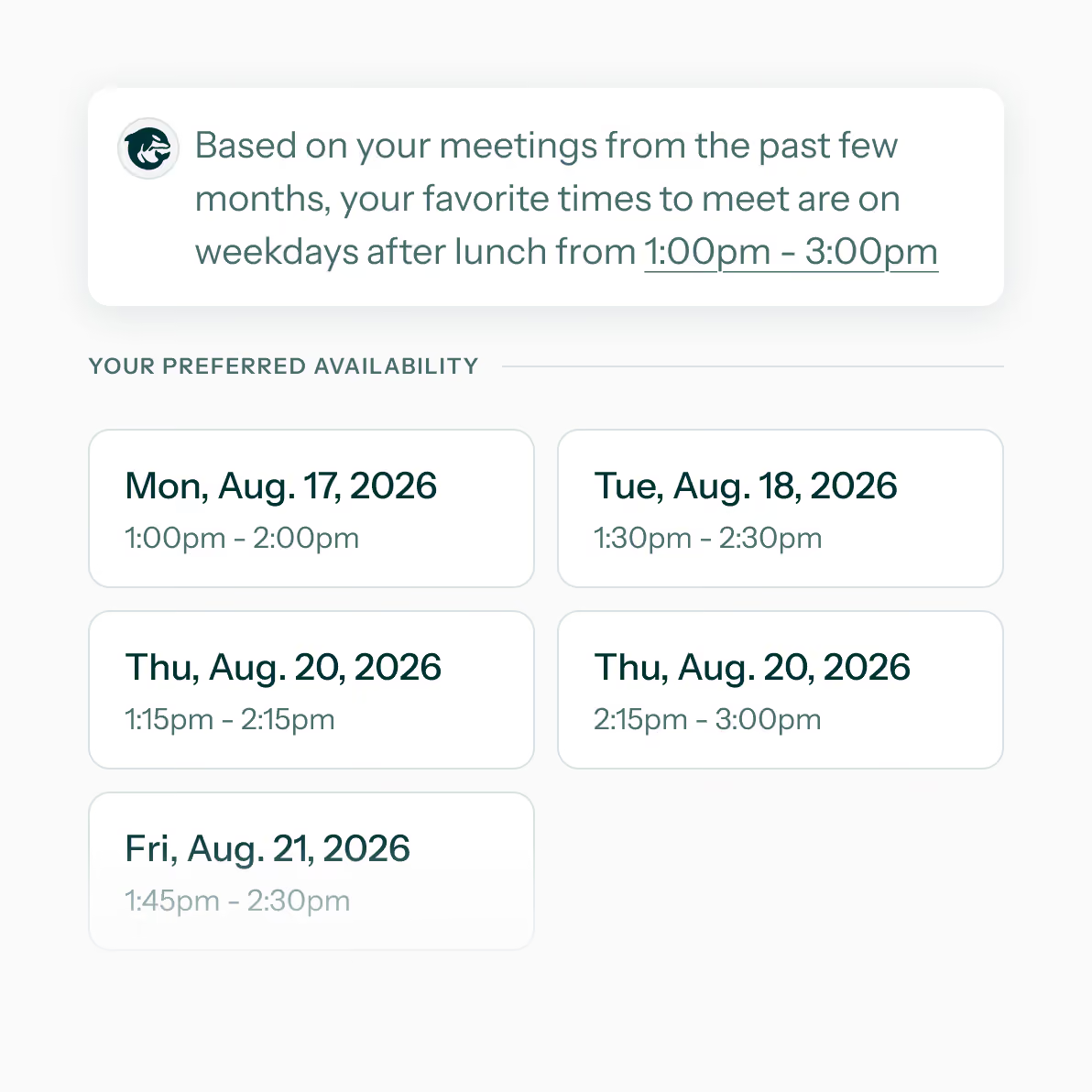
A Group Scheduling Tool That Works for Everyone

Cross-organization and cross-platform scheduling that does the heavy lifting for teams who book recurring meetings with other teams.
Young woman with brown hair wearing pink headphones and a teal sweater working on a laptop.
Design Feedback Meeting scheduled for Monday, August 17, 2026, 11am to 12pm, with attendees shown below.

Plan Group Meetings, Without the Headwinds

Group Scheduling for B2B Relationships

No More “When are You Free?” Emails

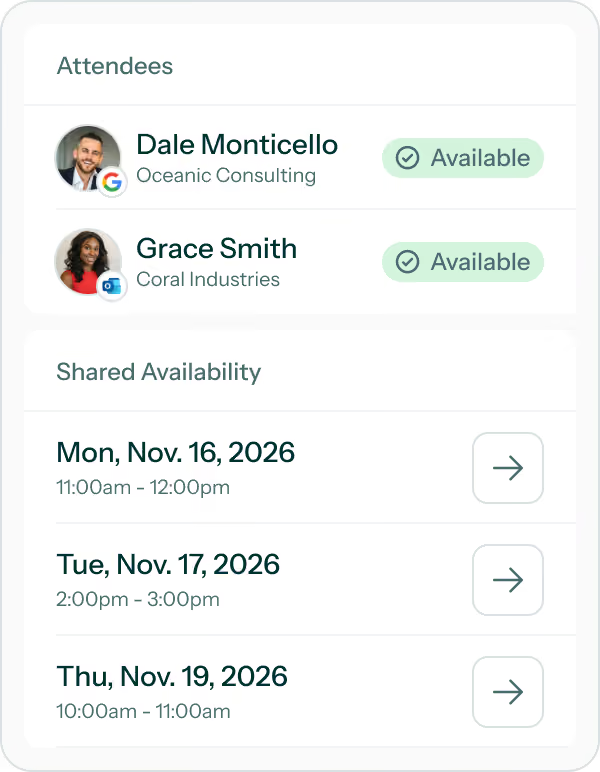
Gone are the email threads or meeting polls used to find everyone’s availability. Start the conversion knowing when people are available or book a meeting when everyone is available.

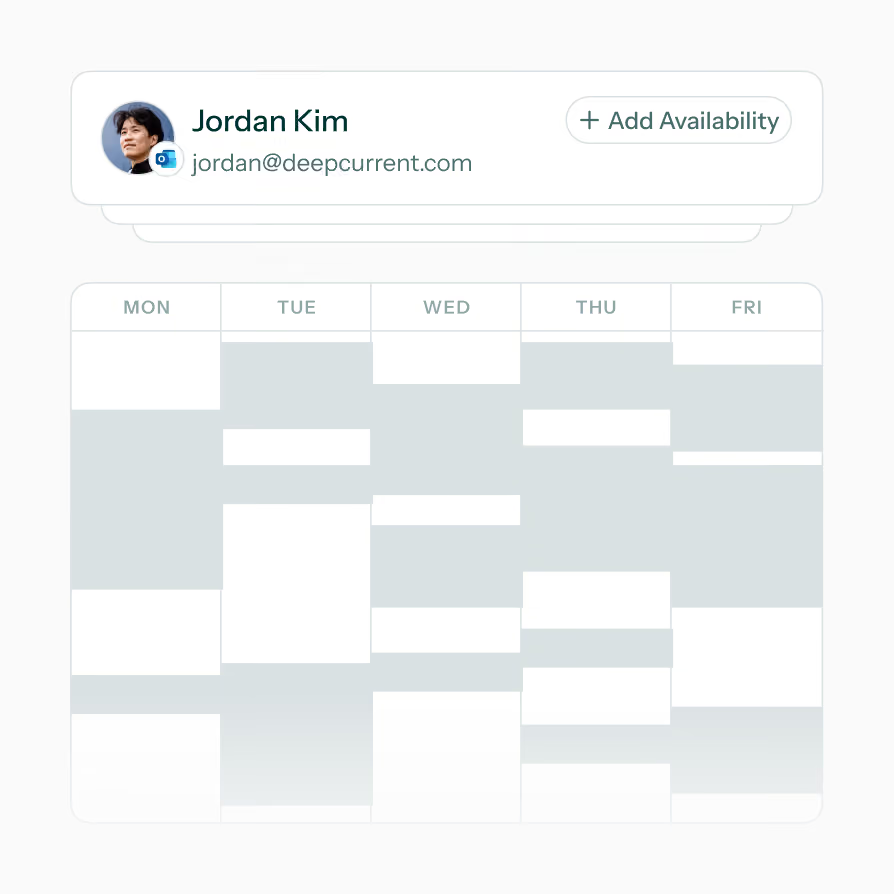
Overlay schedules to find shared availability
Attendees can share their schedule for free
Stop receiving or sharing schedules at any point
Schedule view showing days of the week and blocked time slots for Jordan Kim with email and add availability button.

Schedule Syncing, Not Schedule Linking

Everyone's Schedules in a Singular View

It doesn’t matter what calendar provider your contacts are using, add them to your availability calendar and see the shared openings in one simple view.
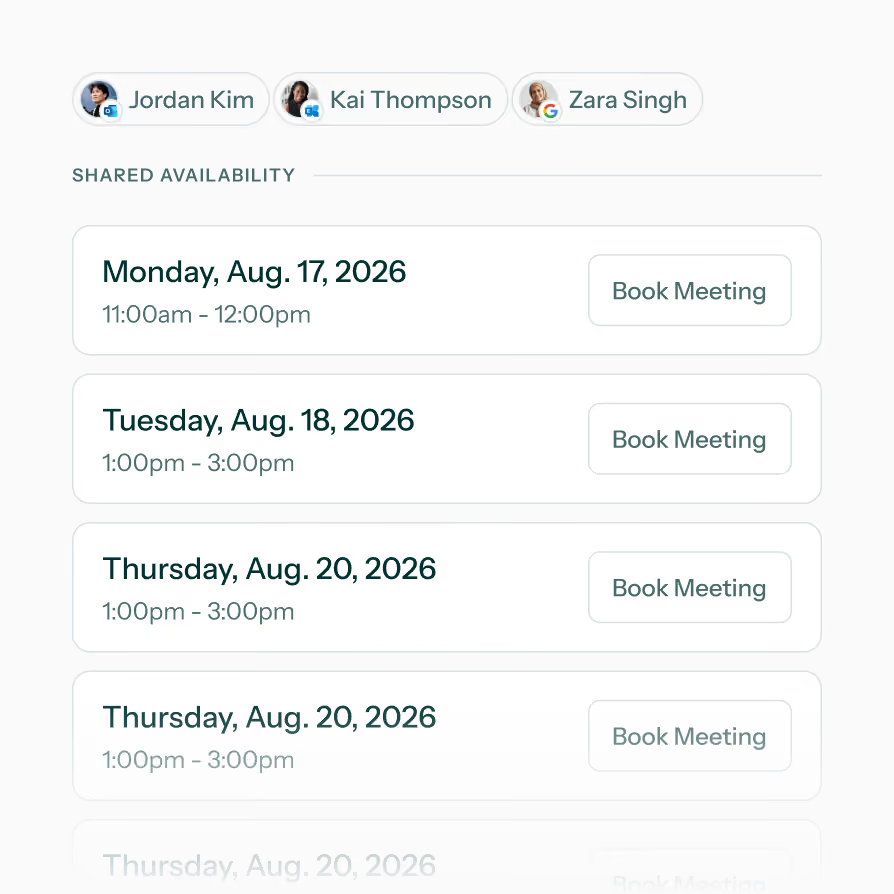
Event details are always kept private
Compatible between Google & Microsoft Calendars
Focus on shared availability, not booked meetings
Shared availability for Jordan Kim, Kai Thompson, and Zara Singh with meeting slots Aug 17-20, 2026.

Instant Availability for Recurring Groups

A Better Shared Availability Experience

Groups let you find availability with people that you regularly schedule meetings with even if they’re outside of your organization or team.
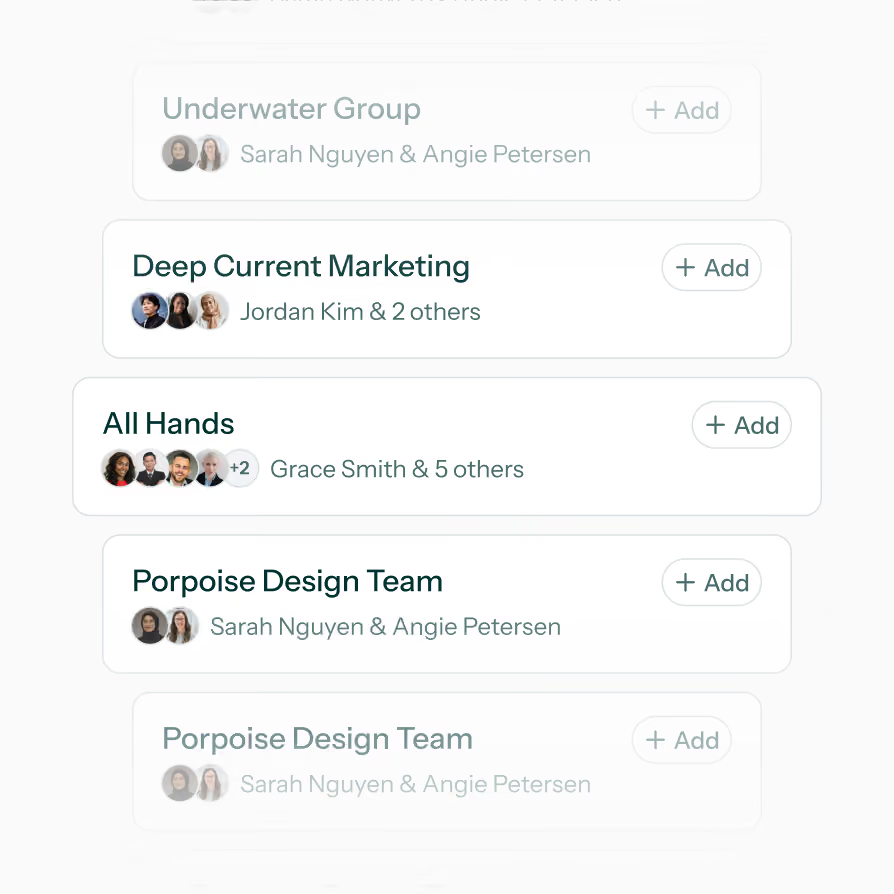
Create unlimited, fully editable groups
Add anyone from your OrcaCal contacts
Include people from external teams
List of groups with members and add buttons: Underwater, Deep Current Marketing, All Hands, Porpoise Design Team.

Scheduling Links and Contact Connecting

Schedule & Connect At The Same Time

Let clients decide when to meet with you while viewing shared availability. Configure links to add event attendees to your contacts so connecting new contacts is a breeze!
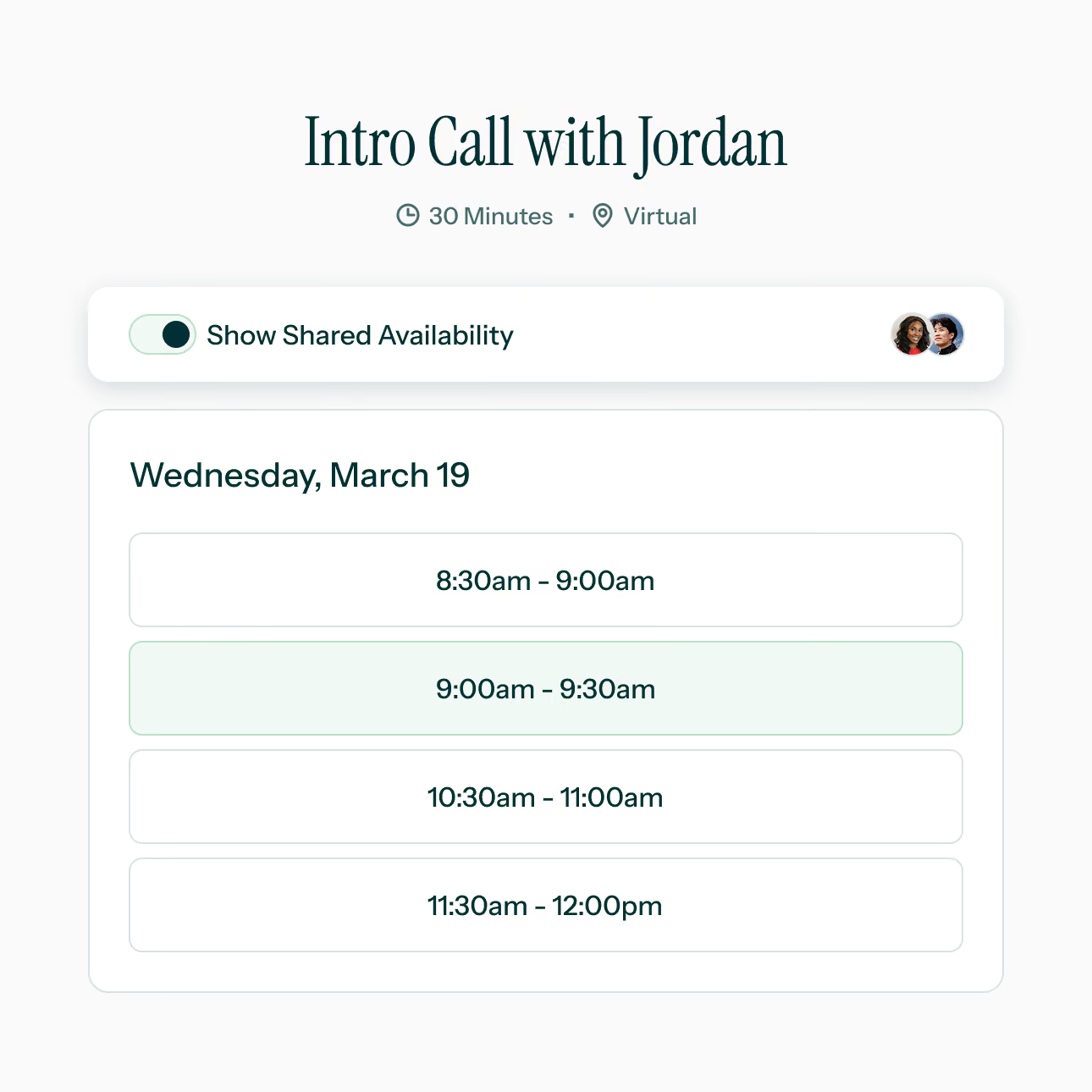
Flexible Configurations support you scheduling needs
Event bookers can view your shared availability
Add event attendees to your contacts
Scheduling interface for a 30-minute virtual intro call with Jordan showing available time slots on March 19.

Everyone has Time for These Features

Mon
Tue
Wed
World icon

Time-Zone Awareness & Visibility

Automatically handles time zones, showing everyone's availability in their local time.
Building icon

Cross-Organization, Cross-Platform

Compatible with calendars using Google, Office365, Outlook, Hotmail, and Live accounts.
Shield with a checkmark icon

Privacy First Schedule Sharing

Calendars are shared as a free/busy schedules and sharing can be turned off at any point.
Three people icon

Save Repeated Meeting Groups

Save the groups of people you regularly schedule with and view all their availability at once.
Wine glasses touching

Free For Attendees

Your event attendees don’t have to pay for OrcaCal to get the benefits of using it.
Envelope icon

One Time Sharing Requests

Send one request with your attendees and then schedule with them forever (until they stop sharing).
We Do the Planning, You Attend

Try OrcaCal Free for 7 Days

Connect your contacts just once and then view shared availability and book meetings with them. No more endless email threads just to plan one group meeting.
Cancel anytime
Google & Microsoft calendar compatible
Unlimited calendars, contacts, & groups